
Understand who your bots replied to.
Review practical outcomes where you manage your accounts and bots, without opening a separate analytics workspace.
How it works
- 1
Choose the right context
Open a connected Instagram account card for combined comment and DM results, or use a bot card’s Results button for that bot.
- 2
Choose a period
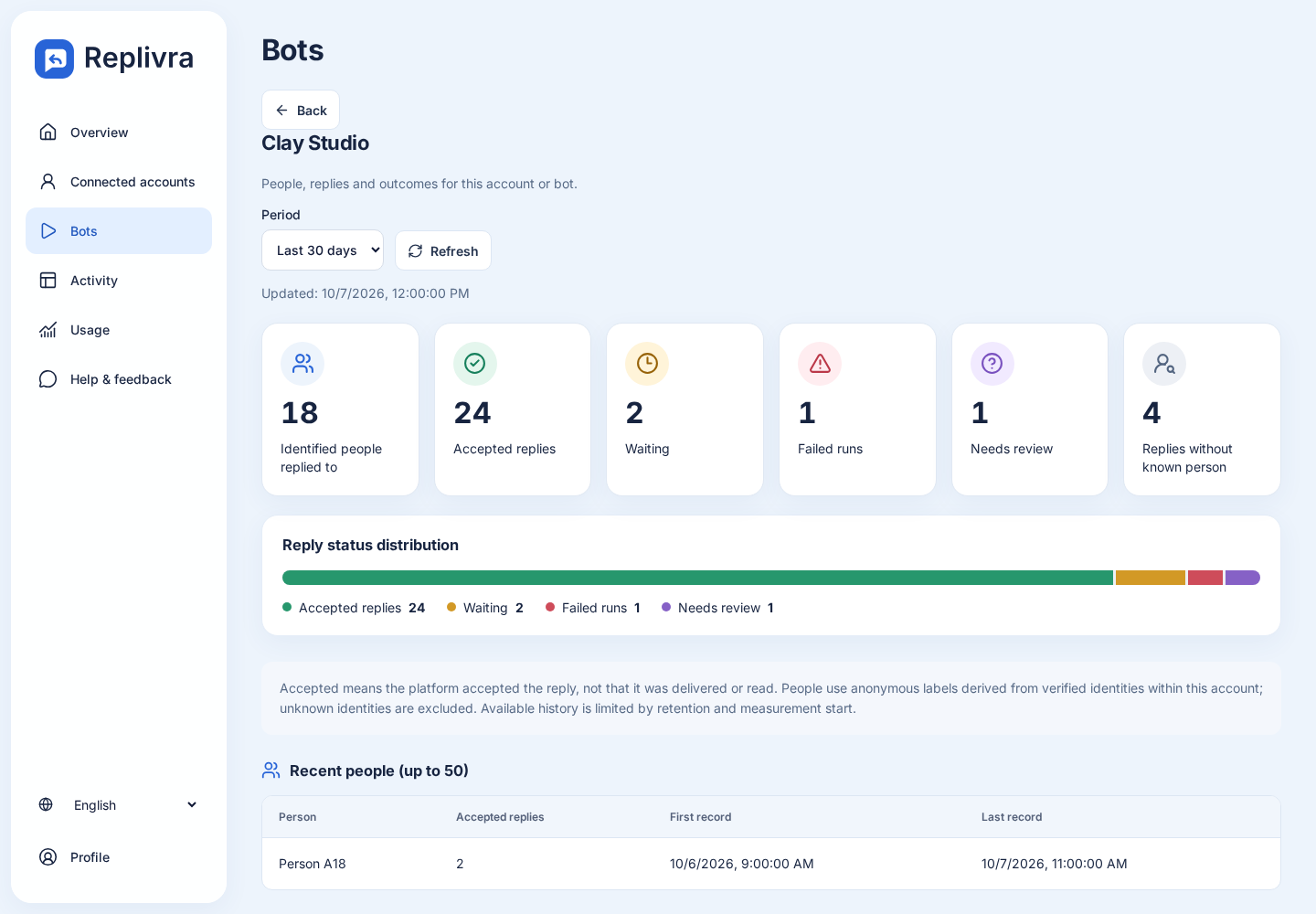
Select 7, 30 or 90 days. Counts group records by their creation time. Inspect accepted, waiting, failed and uncertain activity; unknown-person replies are shown separately.
- 3
Read the history
Review original saved reply text and available record/acceptance times. Recent people lists up to 50 recipients. On an Instagram account you can manually load up to 100 recent posts for context.
What you can measure
An accepted reply is not a delivered or read message. A recorded registration is not a sale. History is limited by retention and measurement start. Full Instagram reach/follower analytics, lead tags and campaign attribution are not included in these screens.
Before you start
Results reflect retained operational records. Known recipients use anonymous labels within an account; missing identities remain unknown. Instagram and Telegram identities are not merged.
Free: 500 monthly active contacts. No card required. Pro: 2,500 contacts for USD 19/month plus applicable taxes, in supported countries.