
Instagram comment and DM keyword replies.
Share a workshop link when someone comments with your keyword, or answer a matching incoming DM. You write the reply and control activation.
How it works
- 1
Connect your account
Open Connected accounts and complete Instagram authorization. Your account card opens its combined bot results.
- 2
Write your reply
For Comment → DM, choose one Post or Reel, a keyword or phrase and one text reply, optionally with a link. For incoming DM replies, use the separate DM keyword bot and complete messaging permission.
- 3
Activate when ready
Saving leaves the bot inactive. Review the saved settings, then explicitly activate. You can pause from the bot card. An edited bot needs activation again.
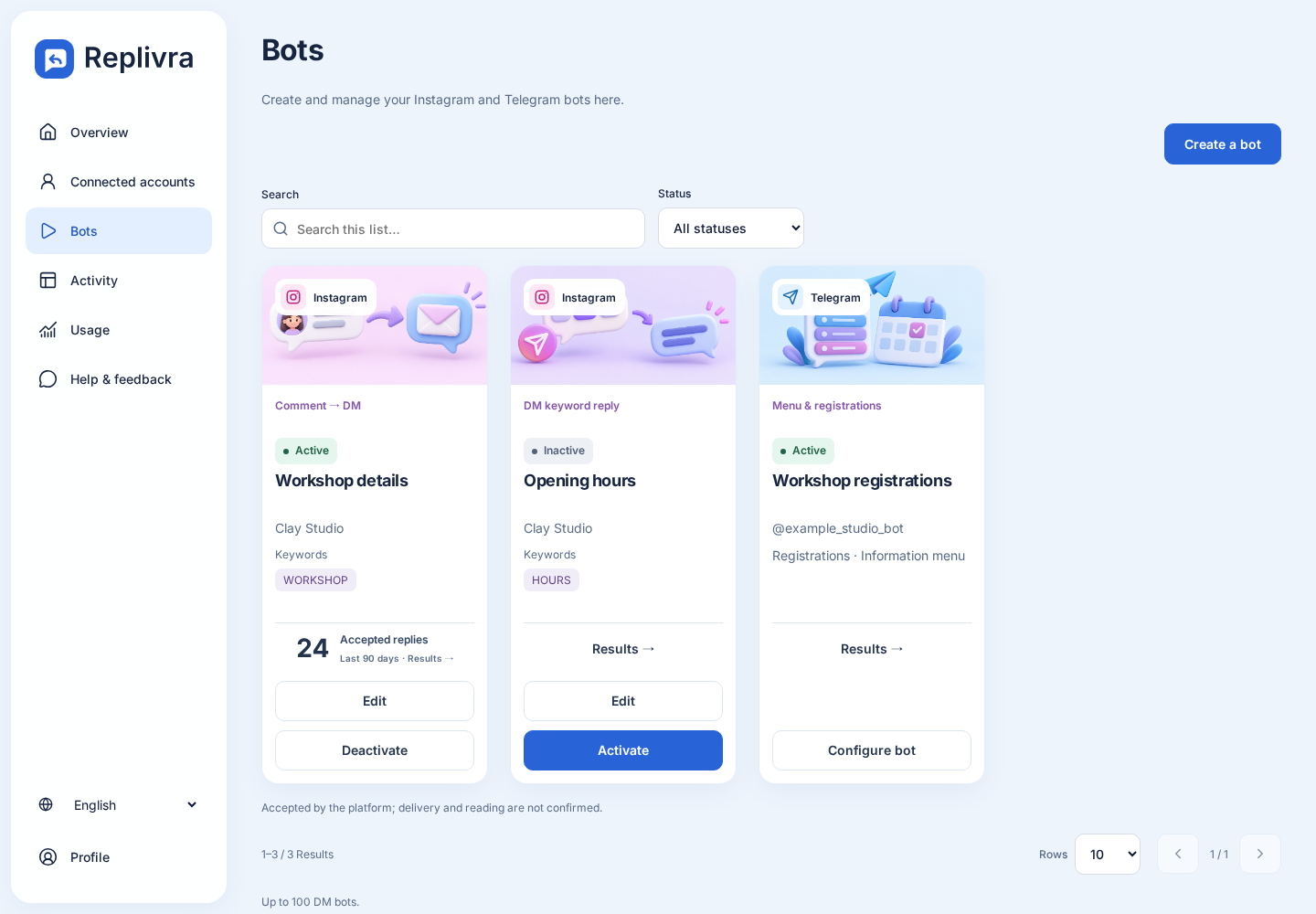
What you can measure
Open Results on the bot card to see accepted, waiting, failed and uncertain replies for 7, 30 or 90 days. Acceptance does not prove delivery or reading. This workflow does not add follower conditions, AI answers or a message sequence.
Before you start
Use an eligible professional Instagram account. General-customer Meta approval is still pending; Free signup does not guarantee Instagram access. Connect through the official authorization flow without sharing your Instagram password with Replivra.
Free: 500 monthly active contacts. No card required. Pro: 2,500 contacts for USD 19/month plus applicable taxes, in supported countries.